

Sparx Solutions
Database Engineering with Sparx Systems Enterprise Architect
Model, generate, reverse-engineer, and maintain database designs in Sparx EA, with data structures connected to architecture, requirements, and governance context.
Bring Data Models Back in Sync
As Malaysian organisations modernise applications, consolidate platforms, and strengthen data governance, database designs need to stay aligned with what is actually deployed and used across the business.
Models Behind the Database
Data models can fall behind when live schemas change outside the design process.
Data Knowledge Held by Few
Critical data meaning often depends on a few database or application specialists.
Schema Change Impact
A table, column, or key change can affect reports, integrations, and applications.
Governance Needs Context
Data governance is harder when design decisions and schema history are not traceable.
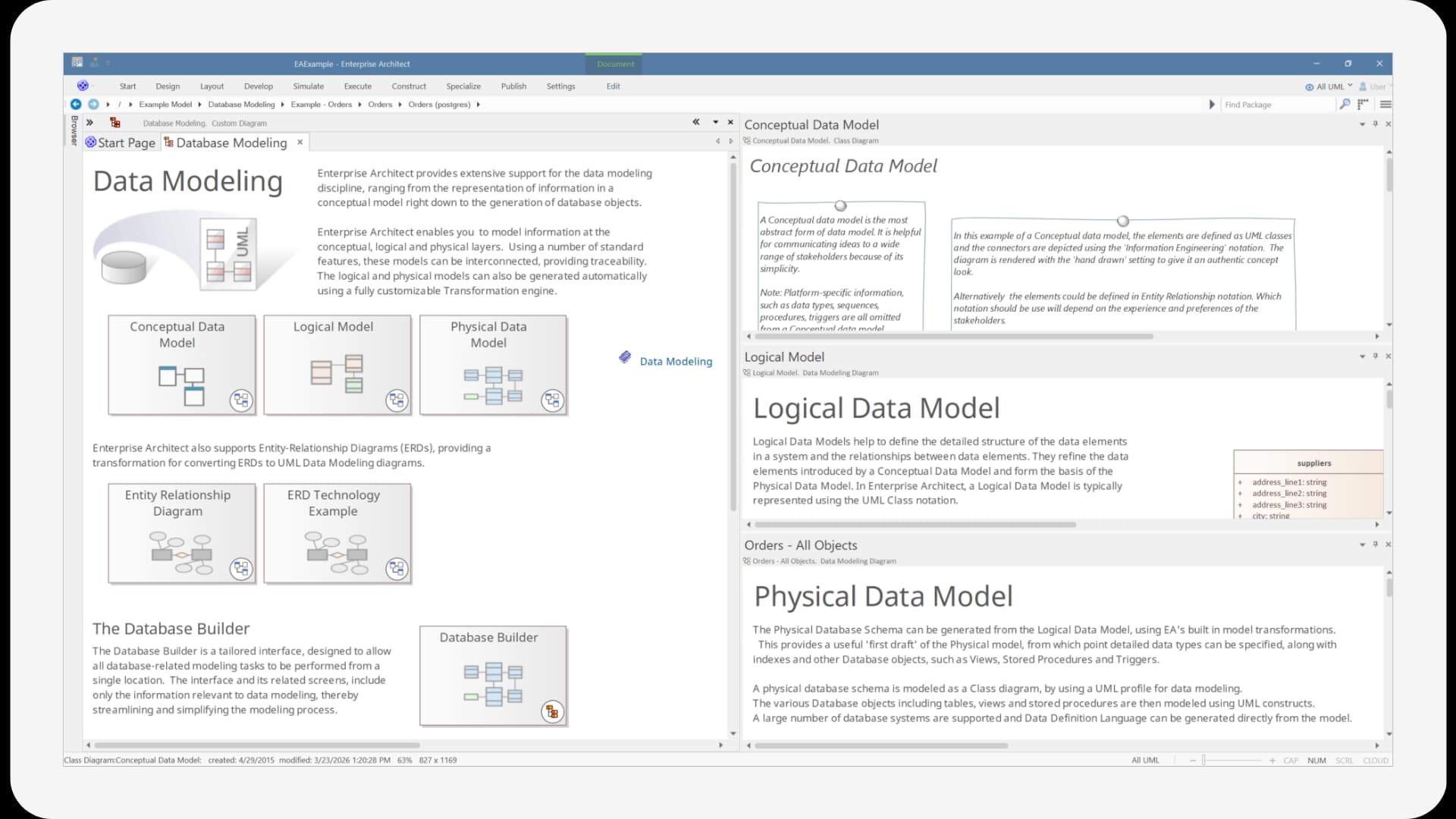
With Sparx Systems Enterprise Architect (EA Sparx), data teams can work across conceptual, logical, and physical data models in one repository. Database structures can be modelled, reverse-engineered from existing schemas, and used to generate DDL scripts for supported database platforms.
For Malaysian organisations managing financial systems, public services, healthcare platforms, enterprise applications, or integration-heavy data environments, this helps reduce manual reconciliation between models, scripts, and deployed schemas. Prolaborate can support business-facing data reviews, while Pro Cloud Server supports secure access and integration where model information needs to connect with wider platforms.
A Practical Data Modelling Approach with Sparx Systems
Sparx Systems Enterprise Architect (Sparx EA) helps data teams keep business concepts, logical structures, physical schemas, and implementation context connected as databases evolve.
Conceptual to Physical Data Models
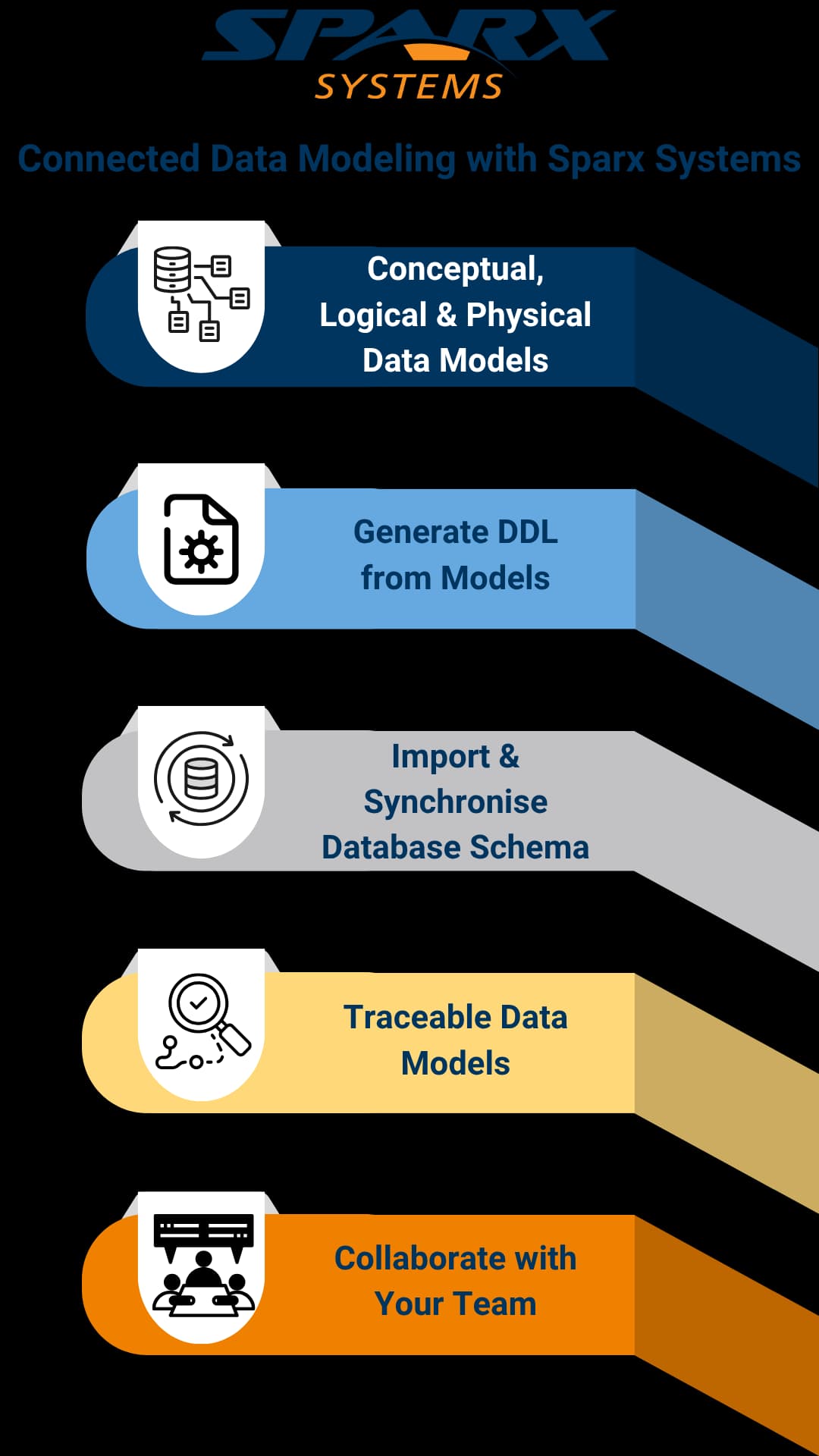
Model business entities, logical structures, and physical database schemas in one connected repository using Sparx EA.
DDL from the Model
Generate database definition language from physical data models instead of maintaining scripts separately.
Schema Import and Synchronisation
Reverse-engineer existing database schemas and compare model changes against connected database structures.
Data Traceability and Impact Review
Connect data models to applications, requirements, processes, and architecture elements for clearer change review.
Stakeholder Reviews with Prolaborate
Share selected data model views with data stewards, analysts, and governance teams for easier review and discussion.
Sparx Systems Platform Capabilities for Database Engineering
The Sparx Systems Platform supports database engineering by combining data modelling, DDL generation, schema import, repository-based traceability, stakeholder review, and integration support. These capabilities help teams keep database design closer to implementation and governance needs.
Model Conceptual, Logical, and Physical Data Structures
- Create conceptual data models to communicate business entities and relationships clearly with Sparx EA.
- Develop logical data models with attributes, relationships, and platform-independent structure.
- Build physical data models with tables, columns, primary keys, foreign keys, indexes, constraints, and database-specific details.

Generate DDL from Physical Data Models
- Generate DDL scripts from database models for objects such as tables, views, functions, sequences, and procedures.
- Generate DDL for individual objects, packages, or complete data models from Sparx Enterprise Architect (EA Sparx).
- Use DDL generation to reduce manual script maintenance between design and implementation.

Reverse-Engineer and Compare Database Schemas
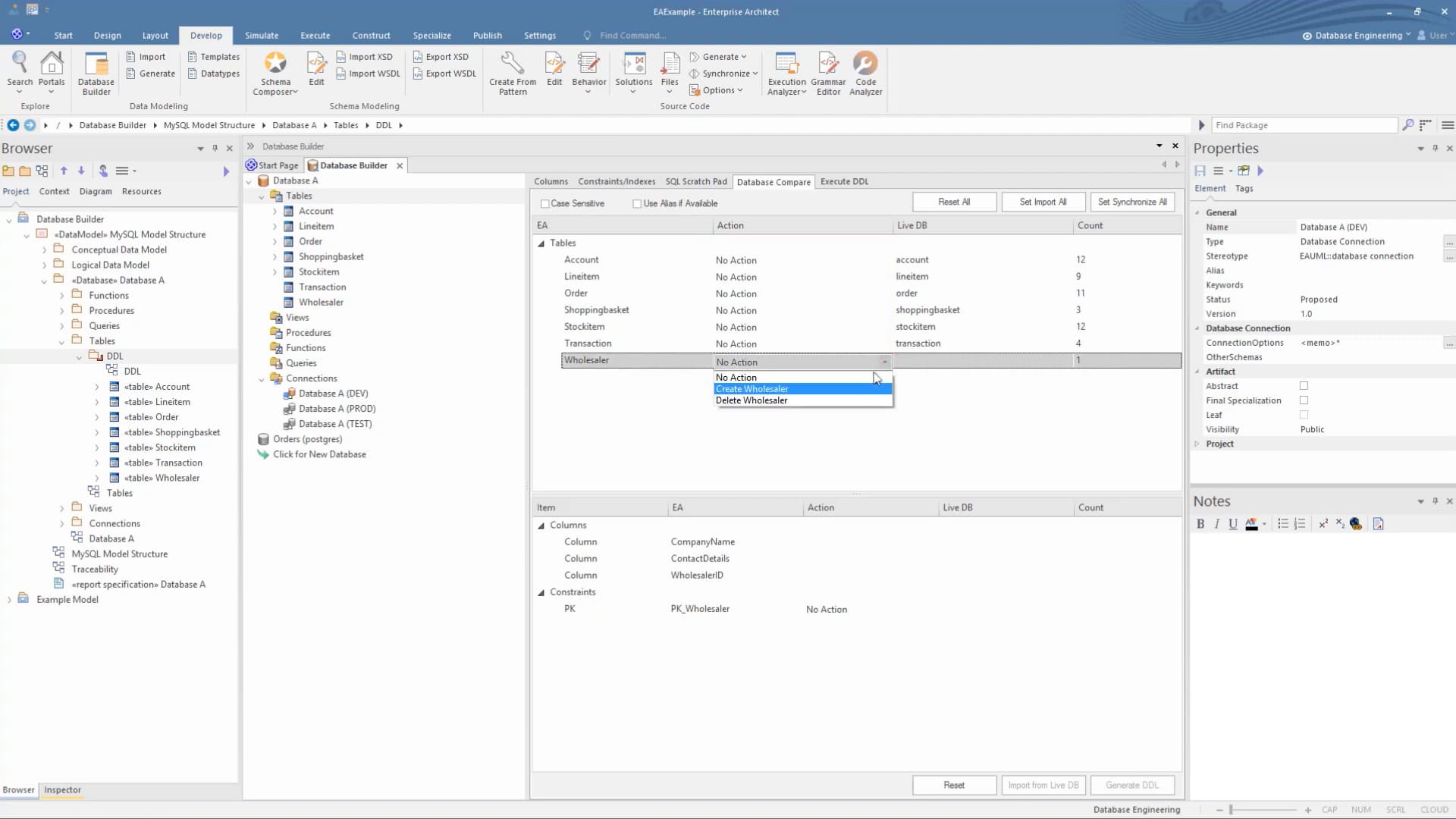
- Import existing database schemas into Sparx Enterprise Architect (EA Sparx) using supported database connections.
- Reverse-engineer database objects such as tables, views, procedures, functions, and sequences into model content.
- Use database comparison and synchronisation workflows to identify differences between model and database structures.
Connect Data Models to Architecture and Requirements
- Link database objects and data model elements to requirements, applications, processes, and architecture elements.
- Use repository traceability to understand how data structures support wider business and technology change.
- Support impact review when schema, integration, reporting, or application dependencies are affected.
