

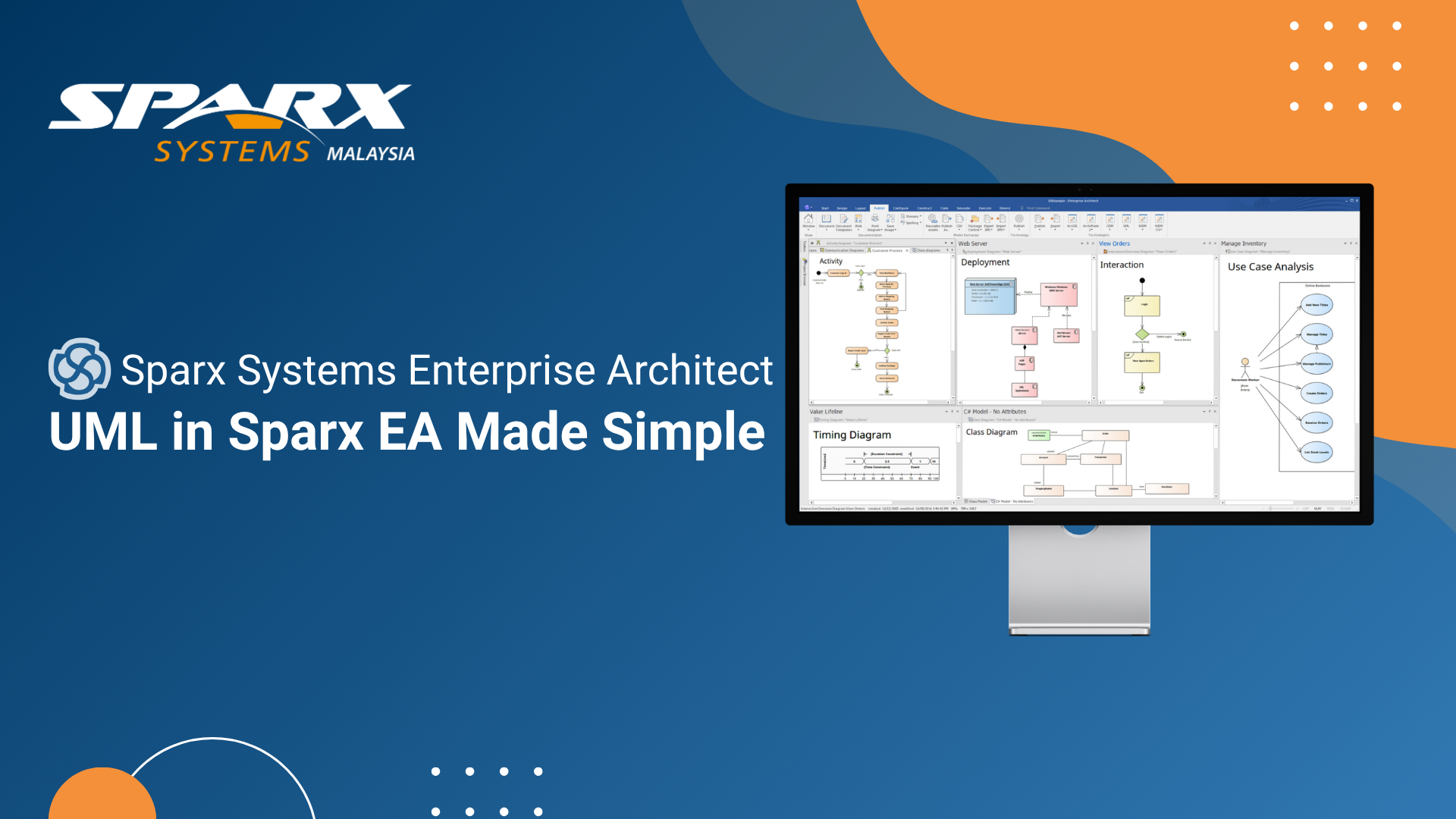
UML Modeling with Sparx Systems Enterprise Architect (EA Sparx) — A Practical Guide
The Unified Modeling Language remains the most widely used standard for documenting software architecture and system design. For teams working with UML, Sparx Systems Enterprise Architect provides one of the most complete and mature implementations available — supporting the full UML 2.5 specification across all 14 diagram types within a single, high-performance modeling environment.
This guide covers the practical aspects of UML modeling in Sparx EA and explains how the different diagram types serve distinct purposes across a project lifecycle.
Start Practicing UML in Sparx Systems Enterprise Architect
Apply UML concepts directly in Enterprise Architect and explore how its full UML 2.5 support works in real-world modeling scenarios.
Full UML 2.5 Support in a Single Tool
Sparx Enterprise Architect implements UML 2.5 in its entirety, which means teams are not limited to a subset of the standard or forced to use workarounds for less-common diagram types. The 14 UML diagram types are divided into seven structural diagrams — which describe the static structure of a system and seven behavioral diagrams which describe how a system behaves over time.
The toolbox in Sparx EA adapts automatically to the type of diagram being edited, presenting only the elements and connectors that are valid for that diagram type according to the UML specification. Built-in model validation checks diagrams against UML rules, helping teams catch modeling errors early rather than discovering inconsistencies during review.
This combination of guided tooling and automated validation makes Sparx Enterprise Architect suitable for both teams building UML expertise and experienced practitioners who need to work quickly and accurately.
Structural Diagrams: Capturing System Architecture
The seven structural diagram types in UML describe what a system is made of and how its parts relate to each other. The class diagram is the most familiar — it describes classes, their attributes, operations, and the associations between them, and is the primary tool for object-oriented design. Sparx EA supports full class diagram modeling with inheritance, composition, aggregation, dependency, and realization relationships, along with code generation and reverse engineering to keep class models synchronized with the actual codebase.
Component diagrams describe the high-level architecture of a system in terms of components and their interfaces — essential for microservices architectures and system integration design. Deployment diagrams show how components are deployed onto physical or virtual infrastructure nodes, bridging the gap between software design and infrastructure planning. Object, package, profile, and composite structure diagrams complete the structural picture, each serving specialized purposes from instance-level snapshots to modular package organization.
Choose the Right Edition for Your EA Modeling Needs
Understand how different Enterprise Architect editions support individual modelers, teams, and advanced systems engineering use cases.
Behavioral Diagrams: Documenting System Behavior
The seven behavioral diagram types capture the dynamic aspects of a system — how it responds to events, how processes flow, and how components communicate over time. Use case diagrams are often the starting point in requirements analysis, capturing the high-level interactions between actors and the system they are describing. Sparx EA's use case support integrates with the requirements management capabilities, allowing use cases to be linked directly to formal requirements and traced through to design and implementation artifacts.
Sequence diagrams are among the most practically useful behavioral diagrams for development teams — they show the time-ordered exchange of messages between objects or system components, making the logic of complex interactions explicit. Activity diagrams serve a similar purpose for process flows, with branching, concurrency, and synchronization support that makes them suitable for modeling both software workflows and business processes. State machine diagrams capture the lifecycle of individual objects or systems, while interaction overview and timing diagrams support more specialized behavioral analysis scenarios.
Linking UML Models to Requirements and Code
One of the most significant advantages of modeling in Sparx Enterprise Architect rather than a standalone diagramming tool is the ability to link UML elements to other artifacts within the same repository. Class elements can be linked to the requirements they implement, allowing teams to demonstrate that every design decision traces back to a stated need. Design elements can be linked to test cases, supporting quality assurance processes that validate each part of the design.
The bidirectional code engineering capabilities of Sparx EA mean that class diagrams are not just documentation — they are an active part of the development workflow. Teams can generate skeleton Java, C#, Python, or C++ code from class models and reverse-engineer existing code back into diagrams, keeping the model and implementation in sync. The integrated source code editor with syntax highlighting allows developers to view and edit code without leaving the EA environment.
Discover the Latest Enhancements in UML Modeling
Explore how the latest Sparx Enterprise Architect updates improve diagramming, productivity, and model management across UML workflows.
Custom Profiles and Domain-Specific Extensions
UML's profile mechanism allows the standard to be extended for specific domains — and Sparx Enterprise Architect provides comprehensive support for custom profiles and stereotypes. Organizations with domain-specific modeling needs can define their own element types, properties, and constraints that extend standard UML elements while maintaining compatibility with UML tools and notation. Sparx EA ships with a library of built-in technology profiles including database modeling, DODAF, MODAF, and others, and teams can create their own profiles using the profile editor.
This extensibility means that Sparx Enterprise Architect can adapt to almost any domain-specific modeling requirement without sacrificing the standardization benefits of UML. Whether the goal is modeling a specific software framework, a hardware-software interface, or a regulated industry process, custom profiles allow the tool to speak the language of the domain while maintaining the rigor of a standards-based approach.